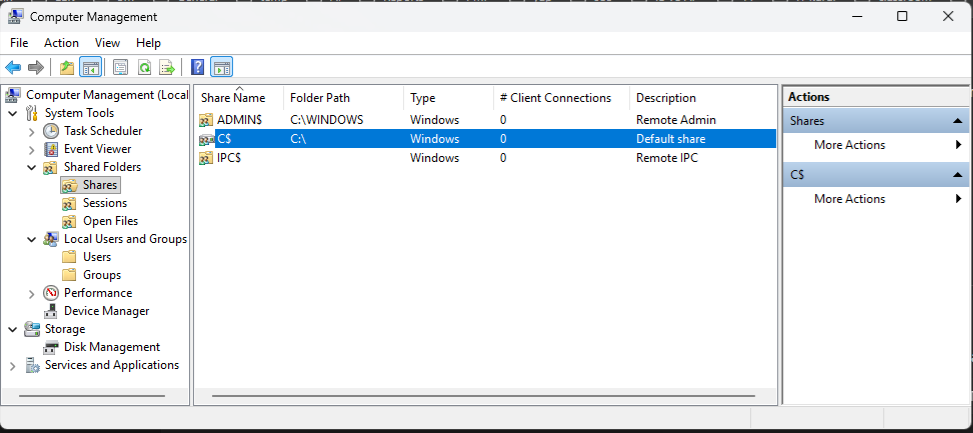
- Permanently shutting down the server via the Registry (the most accurate method)
- Open regedit
- Go to this path:
HKEY_LOCAL_MACHINE\SYSTEM\CurrentControlSet\Services\LanmanServer\Parameters - Create a new DWORD on the right side:
AutoShareWks
Value:
0
If the server is an operating system, the name will be different:
AutoShareServer - Then restart the service or reboot the computer:
net stop lanmanserver
net start lanmanserver
or reboot.


